

DalSoft.Hosting.BackgroundQueue started life as a simple replacement for the old ASP.NET HostingEnvironment.QueueBackgroundWorkItem.
That was the whole point.
Sometimes you don't need Hangfire, Azure Functions, WebJobs, a dashboard, distributed processing, retries, storage tables, dashboards, queues, workers and half an architecture diagram.
Sometimes you just want to do this:
_backgroundQueue.Enqueue(async (cancellationToken, serviceScope) =>
{
    var smtp = serviceScope.ServiceProvider.GetRequiredService<ISmtp>();

    await smtp.SendMailAsync(
        emailRequest.From,
        emailRequest.To,
        emailRequest.Body,
        cancellationToken);
});
Return the HTTP response.
Run the work safely in the background.
Do not block the user.
Do not create a whole new platform.
That is what DalSoft.Hosting.BackgroundQueue has always been about.
Why I built it
When ASP.NET Core came along, there was no direct replacement for the simplicity of HostingEnvironment.QueueBackgroundWorkItem.
Yes, you could use IHostedService.
Yes, you could use BackgroundService.
Yes, Microsoft has examples.
But in real production code, you quickly run into the same boring but important problems:
- How do I handle exceptions?
- How do I limit concurrency?
- How do I safely use scoped services like EF Core DbContext?
- How do I stop background tasks being abandoned during shutdown?
- How do I avoid copying the same hosted service boilerplate into every project?
DalSoft.Hosting.BackgroundQueue exists because I wanted something simple, safe enough for normal web app background work, and easy to drop into a project.
It is not trying to be Hangfire.
It is not trying to be Azure Functions.
It is the small thing you reach for when the problem is small.
Existing features
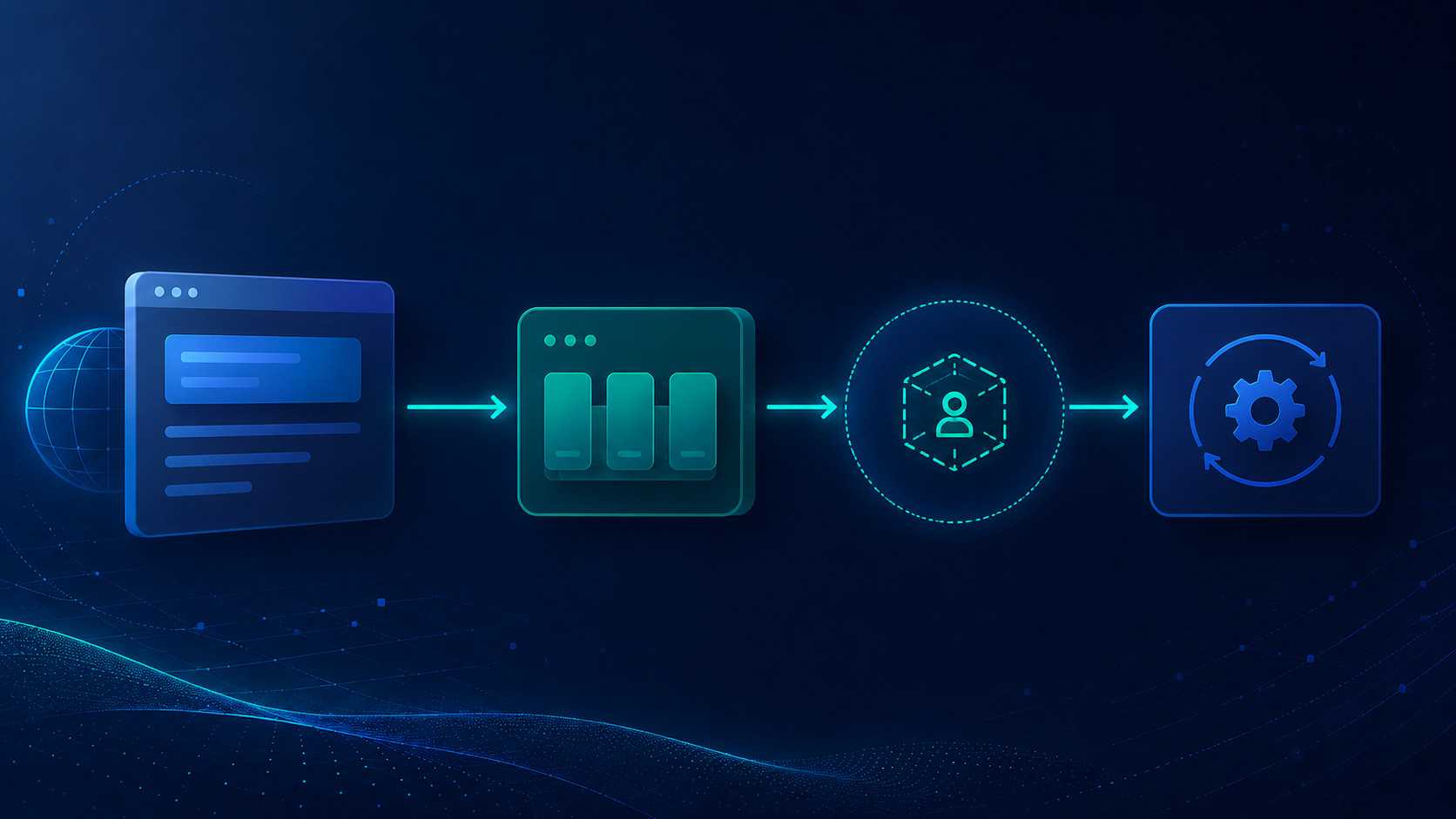
The original feature is the background queue.
You register it once:
builder.Services.AddBackgroundQueue
(
   maxConcurrentCount: 1,
   millisecondsToWaitBeforePickingUpTask: 1000,
   onException: (exception, serviceScope) =>
   {
       serviceScope.ServiceProvider.GetRequiredService<ILogger<Program>>()
           .Log(LogLevel.Error, exception, exception.Message);
   }
);
Then inject IBackgroundQueue wherever you need it.
For example, in a controller:
public EmailController(IBackgroundQueue backgroundQueue)
{
   _backgroundQueue = backgroundQueue;
}

[HttpPost, Route("/")]
public IActionResult SendEmail([FromBody] EmailRequest emailRequest)
{
   _backgroundQueue.Enqueue(async (cancellationToken, serviceScope) =>
   {
       var smtp = serviceScope.ServiceProvider.GetRequiredService<ISmtp>();

       await smtp.SendMailAsync(
           emailRequest.From,
           emailRequest.To,
           emailRequest.Body,
           cancellationToken);
   });

   return Ok();
}
Or with minimal APIs:
app.MapPost("/", (IBackgroundQueue backgroundQueue, EmailRequest emailRequest) =>
{
    backgroundQueue.Enqueue(async (cancellationToken, serviceScope) =>
    {
        var smtp = serviceScope.ServiceProvider.GetRequiredService<ISmtp>();

        await smtp.SendMailAsync(
            emailRequest.From,
            emailRequest.To,
            emailRequest.Body,
            cancellationToken);
    });

    return Results.Ok();
});
The important bit is that services are resolved inside the queued task, using the scope passed to the task.
That means scoped services, such as an EF Core DbContext, are scoped to the background task run.
This avoids one of the most common mistakes with background work in ASP.NET Core: capturing a scoped service from the HTTP request and then trying to use it after the request has ended.
Exception handling
Background work runs away from the request thread, so exceptions need to be handled properly.
That is why onException is required.
If a task throws, you know about it. You can log it, alert on it, or do whatever makes sense for your application.
The exception only affects the task that failed. Other queued tasks continue to run.
Concurrency control
The queue supports maxConcurrentCount.
This lets you control how many background tasks can run at the same time.
For a lot of web app scenarios, 1 is perfectly fine. For example, sending emails, processing lightweight imports, calling an API, or doing small bits of work after a request.
If you want more throughput, increase it.
If you want to protect a database, API or service from being hit too hard, keep it low.
Simple.
No extra dependencies
The package is intentionally lightweight.
It is designed for the cases where bringing in a bigger background job system would be overkill.
If you need distributed processing, retries, dashboards, persistent job history, job chaining and multiple workers across servers, use something like Hangfire.
If you need a small in-memory background queue for a single app instance, this package is for that.
New in v2.1.0 - dynamic cron scheduling
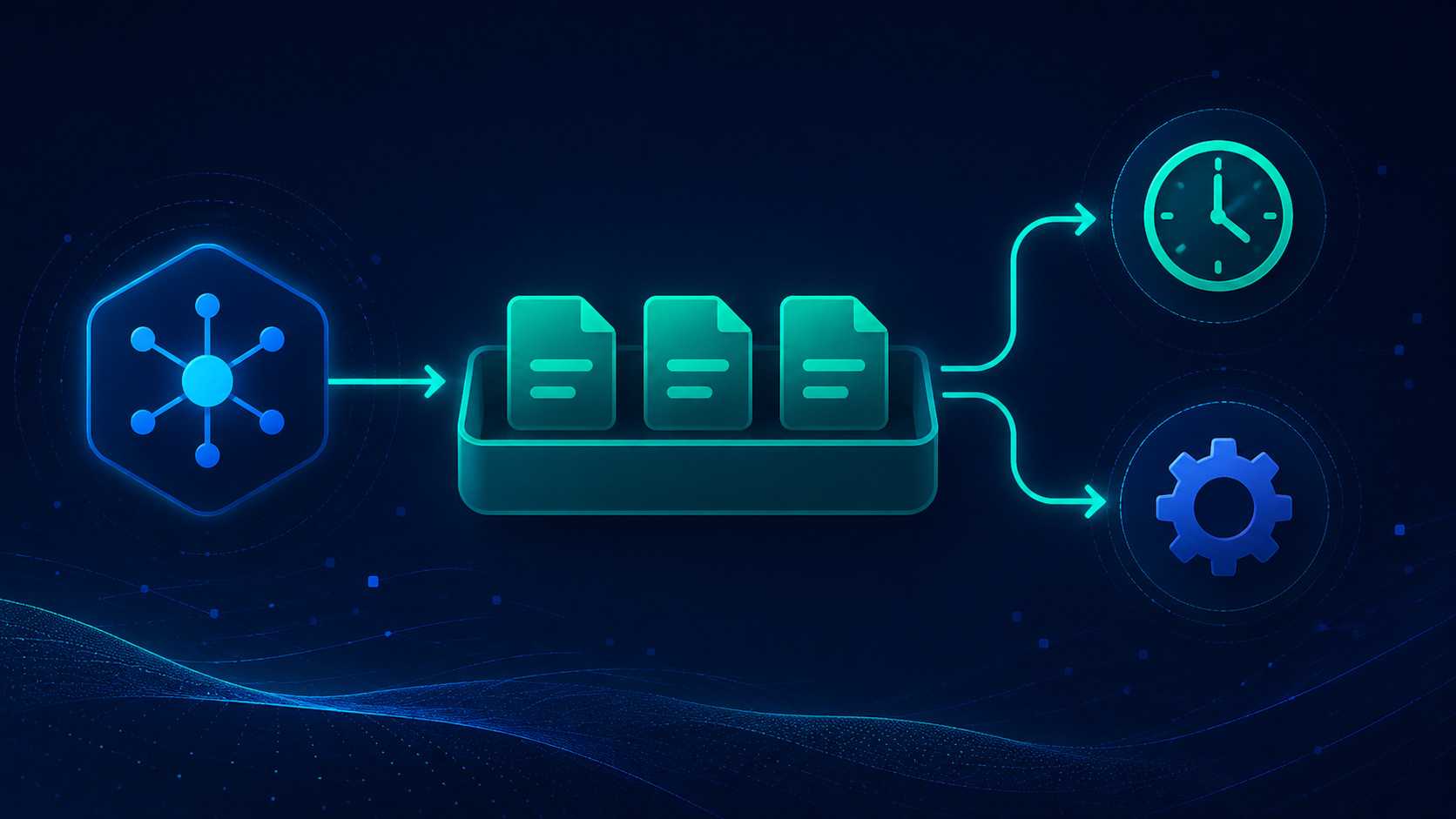
The new feature added on 02 June 2026 is dynamic cron scheduling.
This changes the package from just a background queue into a lightweight background jobs library.
It now gives you two things:
- A background queue - run work safely in the background
- A cron scheduler - decide when work should run
The two features are separate, but they work nicely together.
The scheduler decides when something should happen.
The queue decides how the actual work is run, including throttling, scopes and exception handling.
AddBackgroundJobs
To use the scheduler, register it with:
builder.Services.AddBackgroundJobs();
You can use this in addition to AddBackgroundQueue, or on its own depending on what you need.
A job is just an IInvocable:
public class SendDigestEmails : IInvocable
{
    private readonly IBackgroundQueue _queue;

    public SendDigestEmails(IBackgroundQueue queue)
    {
        _queue = queue;
    }

    public Task Invoke()
    {
        _queue.Enqueue(async (cancellationToken, serviceScope) =>
        {
            var mailer = serviceScope.ServiceProvider.GetRequiredService<IMailer>();

            await mailer.SendDigestsAsync(cancellationToken);
        });

        return Task.CompletedTask;
    }
}
The job itself is resolved from DI in a fresh scope per run.
That means your job can take normal dependencies in the constructor.
If the job needs to do heavier work, you can hand that work to IBackgroundQueue, as shown above.
That gives you a clean split:
- The scheduler controls when the job runs
- The queue controls how the work runs
Add, reschedule and remove jobs at runtime
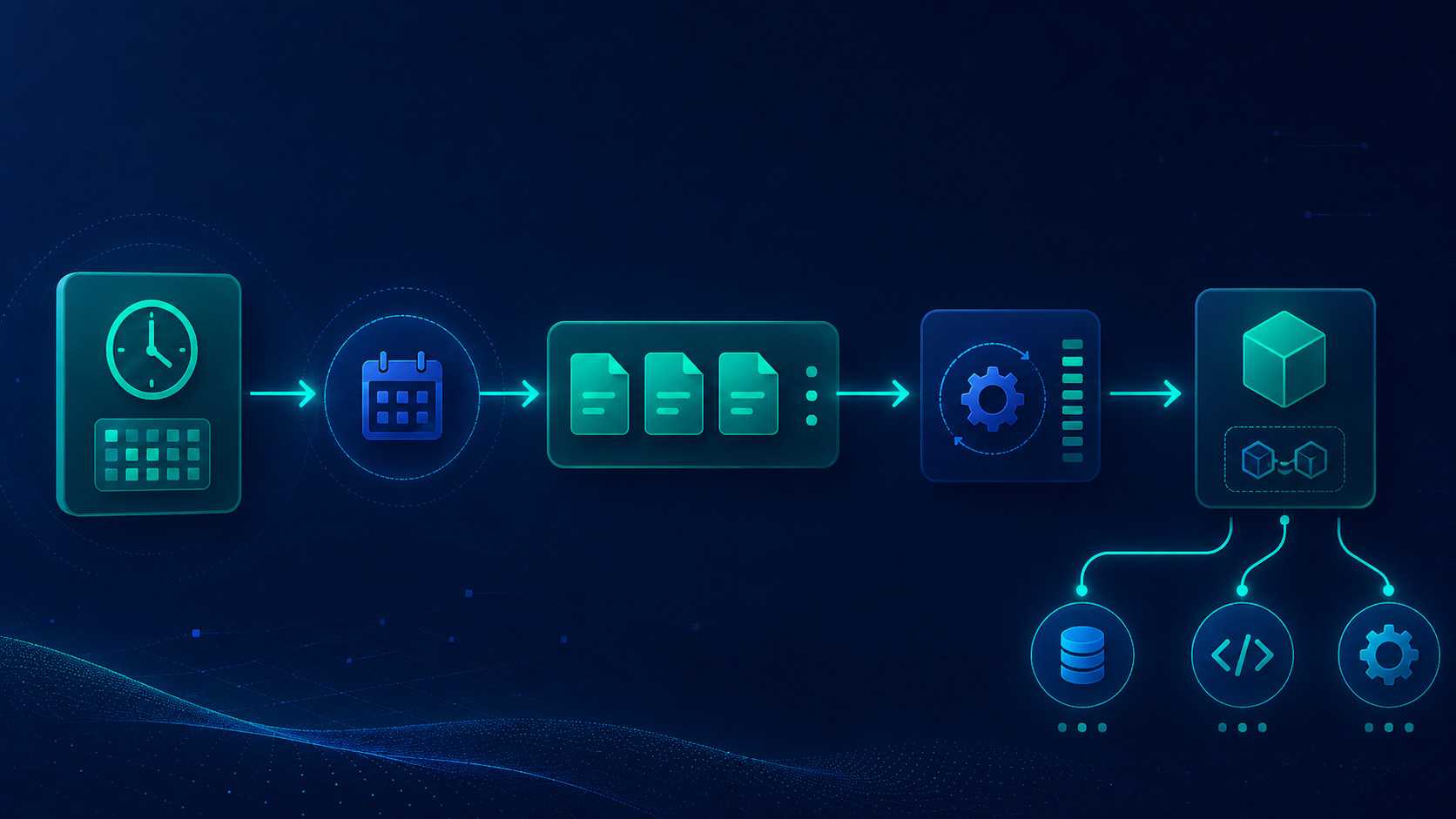
The scheduler is dynamic.
That means you can add, change and remove schedules at runtime without restarting the app.
For example:
app.MapPost("/schedules/digest", async (IJobScheduler scheduler) =>
{
    await scheduler.ScheduleAsync<SendDigestEmails>(
        "daily-digest",
        "0 8 * * *");
});
That schedules SendDigestEmails to run every day at 08:00 UTC.
You can reschedule it:
app.MapPut("/schedules/digest", async (IJobScheduler scheduler, string cron) =>
{
    await scheduler.RescheduleAsync("daily-digest", cron);
});
And remove it:
app.MapDelete("/schedules/digest", async (IJobScheduler scheduler) =>
{
    await scheduler.RemoveAsync("daily-digest");
});
This is the bit I wanted.
Most schedulers are configured at startup.
That is fine until the schedule becomes data.
For example:
- A customer wants to change when their daily digest runs
- An admin screen needs to enable or disable scheduled work
- A tenant has their own schedule
- You want to change a job without redeploying
- You want schedule changes to happen through an API
That is what this feature is for.
Cron support
The scheduler supports standard cron expressions.
You can use 5-field cron:
m h dom mon dow
Or 6-field cron with seconds:
s m h dom mon dow
You can also pass a time zone id when scheduling a job.
By default, schedules are evaluated in UTC, which is normally what I want in backend code, but time zone support is there when you need it.
Payload support
Sometimes a scheduled job needs data.
For example:
- Customer id
- Tenant id
- Report type
- Export configuration
- Email template id
The scheduler supports optional payloads for jobs that implement IInvocableWithPayload.
This is deliberate.
I do not want scheduled jobs relying on captured closures or magic state. If a schedule needs parameters, make the parameters data.
That also makes durable schedules much easier.
Durable schedules - bring your own store
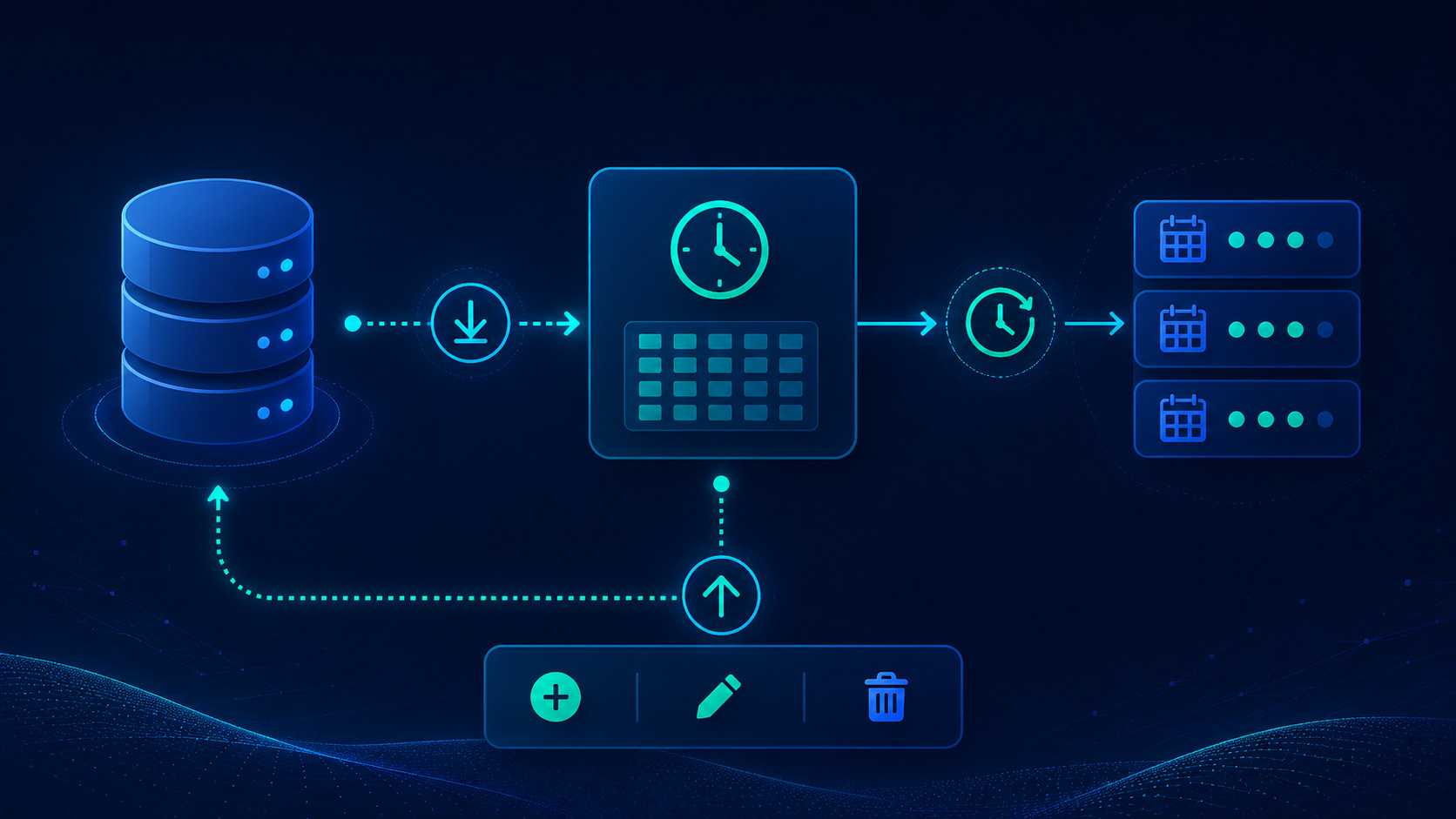
By default, schedules live in memory.
That is fine for simple cases, but if you need schedules to survive an app restart, implement IScheduleStore.
For example, you could persist schedules using:
- EF Core
- Dapper
- SQL Server
- PostgreSQL
- Azure Table Storage
- Anything else that makes sense for your app
The scheduler does not constantly poll your database.
This is an important design decision.
The store is read once at startup. After that, it is written to only when a schedule is added, changed or removed.
The per-second scheduler tick runs against the in-memory schedule.
That means a pay-per-use or serverless database is not being hit every second while the app is idle.
If another process changes the schedule store directly, call:
await scheduler.ReloadFromStoreAsync();
You decide when that reload happens.
Graceful shutdown has been hardened
v2.1.0 also improves graceful shutdown.
The queue now handles shutdown better so in-flight tasks drain rather than being abandoned.
This matters in real applications.
Background work often does things you care about:
- Send an email
- Write audit data
- Process a small import
- Update a search index
- Call a webhook
- Clean up a record
If the app is shutting down, you want the queue to behave properly.
When should you use this package?
Use DalSoft.Hosting.BackgroundQueue when you want lightweight, in-memory, single-instance background work.
Good examples:
- Send an email after a user registers
- Run a small bit of post-request processing
- Process lightweight imports
- Push data to another internal service
- Refresh a cache
- Trigger a scheduled digest
- Run tenant-specific scheduled jobs
- Let an admin user change schedules at runtime
Do not use it when you need a full distributed background processing platform.
If you need built-in durable job storage, automatic retries, dashboard monitoring, job history, distributed workers or multi-server processing, Hangfire is probably a better fit.
This package is intentionally smaller than that.
That is the point.
Fully backwards compatible
The existing queue API is unchanged.
If you are already using IBackgroundQueue, this update does not force you to rewrite anything.
The scheduler is additive.
You can keep using the queue exactly as before and only add scheduling when you need it.
v2.1.0 also targets .NET 6 and .NET 8.
Install
dotnet add package DalSoft.Hosting.BackgroundQueue
GitHub:
https://github.com/DalSoft/DalSoft.Hosting.BackgroundQueue
NuGet:
https://www.nuget.org/packages/DalSoft.Hosting.BackgroundQueue
Final thoughts
DalSoft.Hosting.BackgroundQueue has always been about solving a simple problem without making the application more complicated than it needs to be.
v2.1.0 keeps that idea, but adds something I have wanted for a while: runtime-editable cron jobs.
You can now queue background work and schedule recurring jobs with a small API, proper DI scope handling, concurrency control, exception handling and optional durable schedules.
No dashboard.
No distributed processing.
No unnecessary infrastructure.
Just a practical background jobs library for .NET applications that need the simple thing done properly.
If you find the package useful, please star the repo. It helps more than you think.